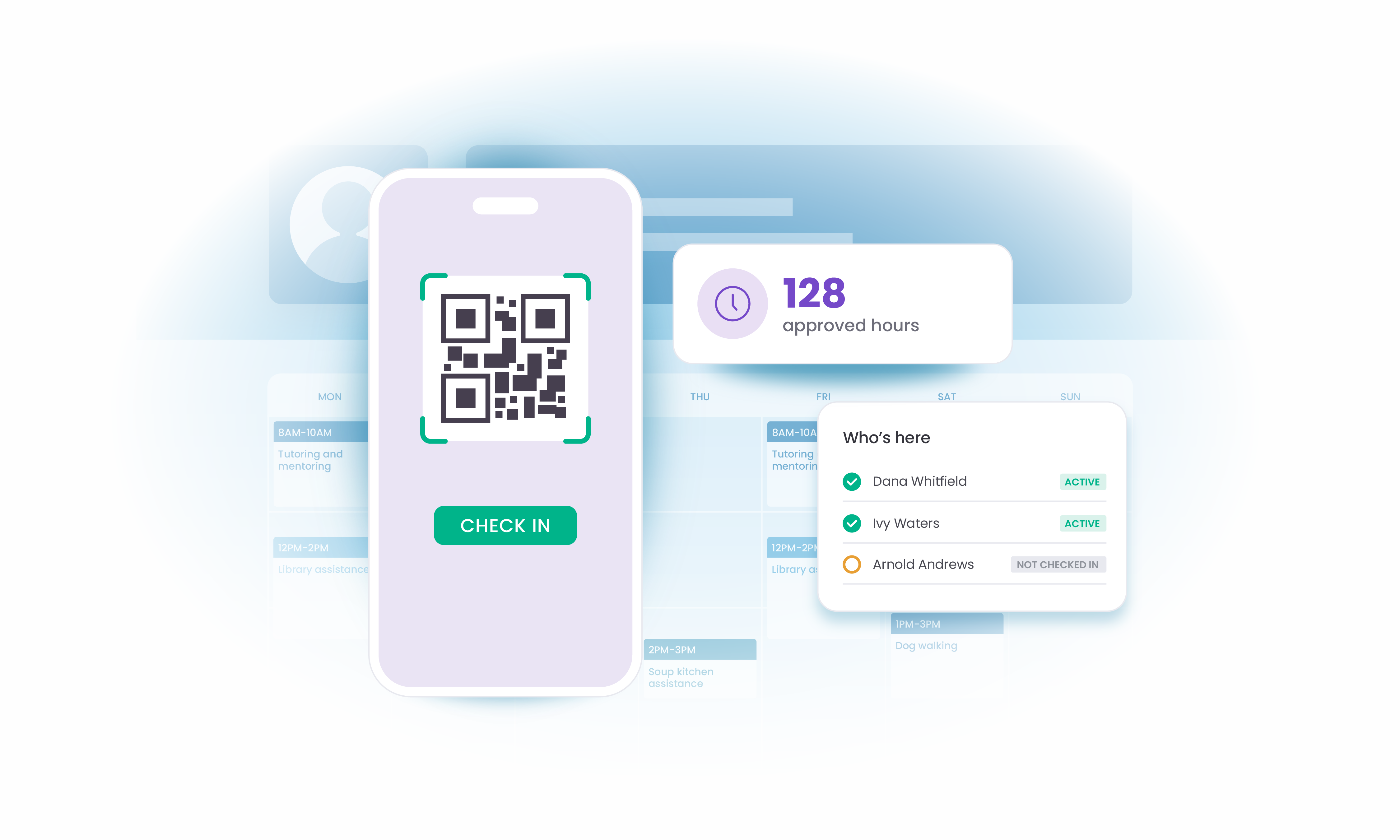
What can volunteers do in the portal?
See upcoming shifts and self-cancel inside the cutoff your org sets, read lifetime and year-to-date hours, update their profile, and log hours themselves with impact fields.
How do volunteers check in on the day?
Three ways: from their phone in the portal inside the shift window, from a printable QR code for the campaign or shift, or at a kiosk on a shared tablet. A logged-out volunteer can check in by email lookup.
What does kiosk mode do?
On a shared tablet, volunteers search their name and tap to check in or out, and the screen resets between volunteers. Walk-ins are quick-added with a duplicate check against existing contacts, and a missing or expired waiver can be signed at the kiosk.
Can staff see who is on site?
Yes. A live board shows who is checked in, who is expected, and who is a no-show.
Is the portal part of Volunteer Pro?
Yes. The portal, mobile and kiosk check-in, Volunteer Profiles, the journey tracker, recommended shifts and the service transcript are Volunteer Pro features.