Events

Event Reporting & Dashboard

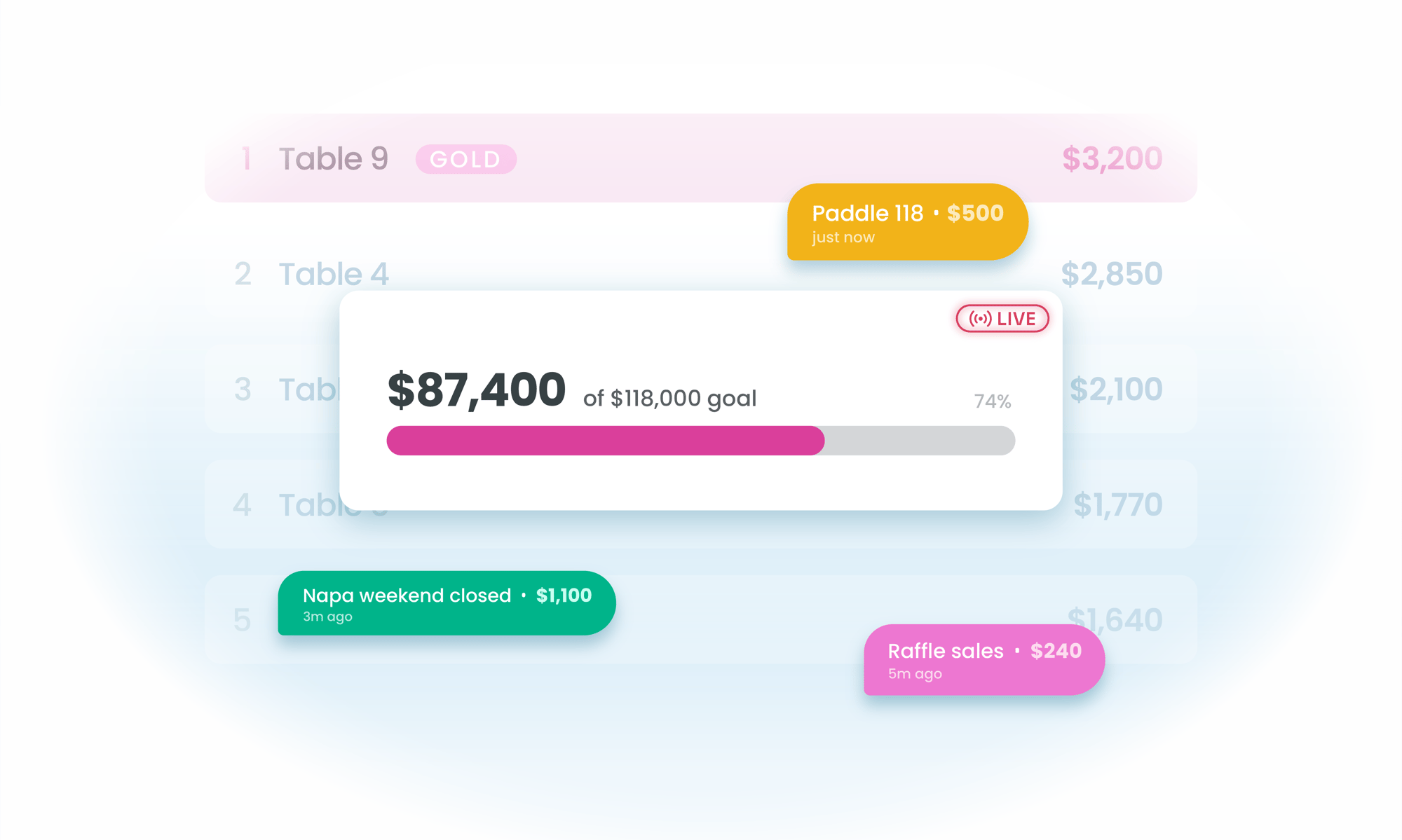
BetterUnite gives every event a live revenue dashboard, 50+ downloadable reports, and an automated Event Readiness Check that audits your setup before doors open. Watch per-table revenue, check-in counts, and auction activity as they happen, then compare the night to last year by revenue mix and source.

Event reporting dashboard illustration

50+ event reports, one dashboard.

01

The Event Readiness Check

An automated pre-launch review of your event setup that flags what is missing or misconfigured while there is still time to fix it.

  • Review your whole event setup automatically before doors open
  • Flag what is missing or misconfigured while there is still time to fix it
  • Trust a safety net no last-minute checklist matches, unique to BetterUnite in its category

02

Live, During the Event

Revenue, check-in counts, per-table giving, and auction activity update as the night happens.

  • Watch live revenue totals, check-in counts, and auction activity as they move
  • See which tables are giving, table by table
  • Log pledges, offline gifts, and online donations from the dashboard without leaving it

03

Revenue Mix Intelligence

Break the night into paddle raise, first-time versus returning donors, and revenue by source, then set it beside last year.

  • Compare trimmed and standard average donation, paddle raise revenue, and revenue by source
  • Split first-time from returning donor revenue
  • Measure against past events year over year, and drill in by ticket type, fund level, or auction category

04

50+ Reports After

Purchases, drawings, guests, and auction analysis, plus post-event statements and fulfillment on every item sold.

  • Download 50+ event reports covering purchases, drawings, guests, and auction analysis
  • Generate post-event statements for purchasers in bulk
  • Track fulfillment on every purchased item, auction items included

05

A Transactions Hub That Works at Scale

Search and filter the whole event, export itemized or summarized, and print acknowledgements and invoices per transaction.

  • Search and filter every transaction on the event
  • Export itemized or summarized, and print acknowledgements and invoices per transaction
  • Run large exports and statements as background jobs, with an email notice and a 30-day download area

Frequently Asked
Questions

What is the Event Readiness Check?

An automated pre-launch audit that reviews your event setup and flags what is missing or misconfigured before doors open, a safety net no last-minute checklist matches. It is unique to BetterUnite in the event software category.

What can I see live during the event?

Live revenue totals, per-table revenue, check-in counts, and auction activity, plus quick actions to log pledges, offline gifts, and online donations without leaving the dashboard.

How many reports does BetterUnite include for events?

50+ downloadable event reports covering purchases, drawings, guests, and auction analysis, plus Event Insights breakdowns by ticket type, fund level, and auction category, and year-over-year comparisons against past events.

Can I compare this year's gala to last year's?

Yes. Year-over-year comparison is built in, and the revenue mix section breaks out paddle raise revenue, first-time versus returning donor revenue, and revenue by source so you can see exactly what changed.

Do big exports time out?

No. Large exports and statement runs execute as background jobs: you get an email when they are ready, and files wait in a 30-day download area.

Get started

Walk into your board meeting with the numbers.

A walkthrough with a real event dashboard: your numbers, your questions. No pressure, no endless sales cycle.

See pricing first

Request a demo