Volunteers

Shift Management

BetterUnite Shift Management replaces the sign-up spreadsheet with a visual calendar. Click any slot to create a shift, set daily, weekly, or monthly recurring series with an end date, and map jobs to shifts many-to-many with per-shift caps. Volunteers self-schedule shift-first or job-first, reminders fire on schedule, and day-of check-in runs a six-state lifecycle with an audit log of who checked in whom.

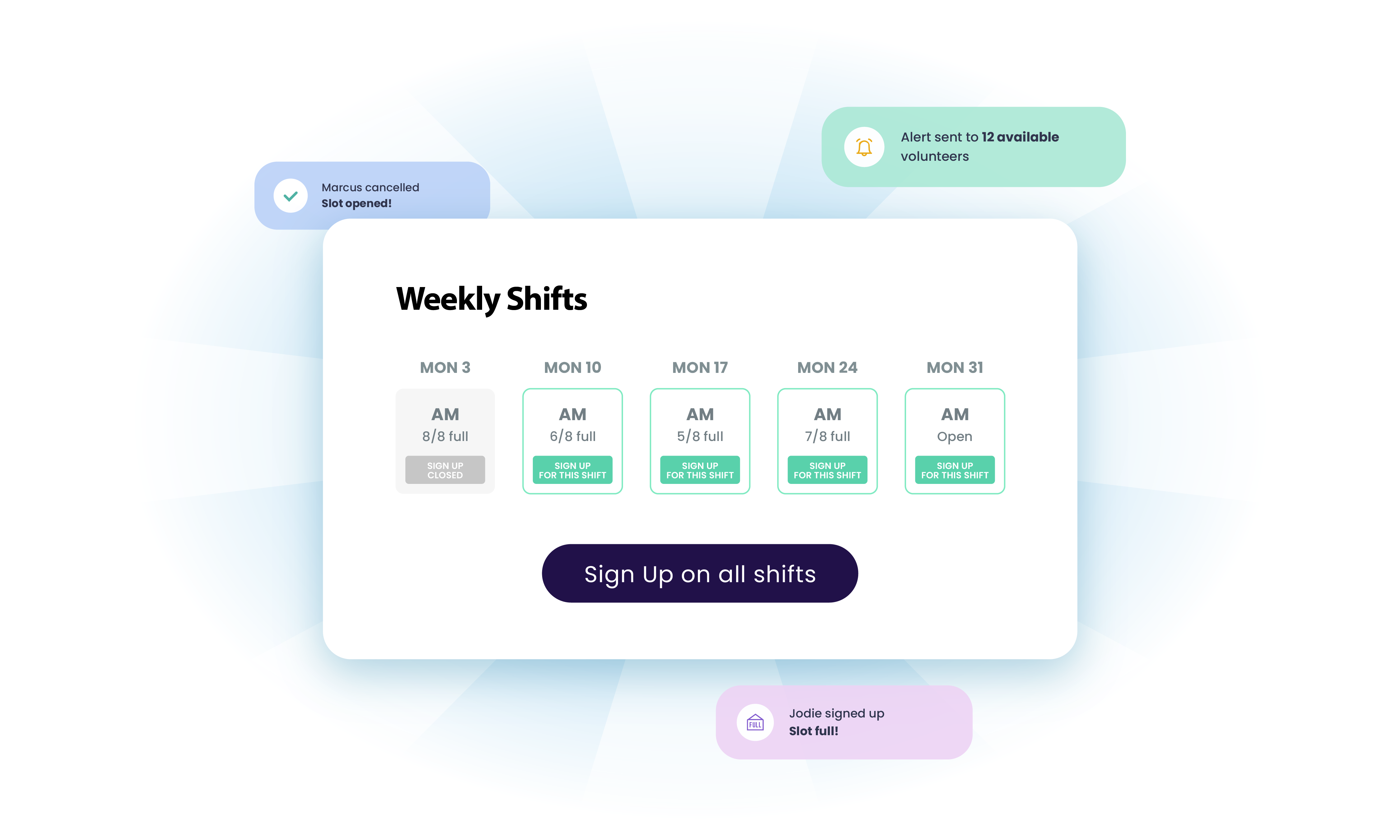
Weekly Shifts calendar with open shifts and a sign-up button

Every Saturday 9 to 11, forever,
configured once.

01

A Calendar, Not a List

A visual month and week shift calendar. Click any slot to create a shift, with titles, descriptions, and active toggles per shift.

  • Click any calendar slot to create a shift
  • Switch between month and week views
  • Give each shift a title, a description, and an active toggle

02

Recurring Series Done Right

Daily, weekly, or monthly recurrence with intervals, weekly day-of-week checkboxes, and series end dates.

  • Repeat every N days, weeks, or months, with day-of-week checkboxes for weekly series
  • End a series on a set date
  • Edit one occurrence or cascade the change to all future shifts

03

The Job to Shift Matrix

Each shift independently selects which jobs it offers and caps slots per job per shift: Saturday 9 to 11 offers Trash Pickup x10 and Sorting x4.

  • Pick which jobs each shift offers
  • Cap slots per job per shift, and set per-person signup limits
  • Hold a job without deleting it

04

Self-Scheduling, Two Ways

The public page offers shifts shift-first or job-first, and volunteers pick their own with real-time availability.

  • Offer shift-first: I'm free Saturday, what can I do?
  • Offer job-first: I want to greet, when can I come?
  • Show real-time availability as volunteers self-schedule

05

Day-Of Operations

A check-in surface grouped by registration with per-slot CHECK IN buttons and walk-up check-in, a six-state lifecycle, and an audit log by staff member.

  • Move volunteers through Registered, Invited, RSVP'ed, Not Attending, Checked In, and Checked Out, while volunteers see a simple RSVP
  • Log which staff member checked in whom
  • Update statuses in bulk and catch duplicates

06

Reminders That Fire Themselves

Scheduled event reminders with audience targeting, conditional confirmation content per job, and volunteer info request emails.

  • Schedule reminders with audience targeting
  • Append job-specific instructions to confirmations
  • Send volunteer info request emails

Frequently Asked
Questions

Can we set up recurring volunteer shifts?

Yes. Daily, weekly, or monthly recurrence with intervals (every 2 weeks, every 3 days), day-of-week checkboxes, and a series end date. Edit a single occurrence or cascade changes to all future shifts in the series.

Can one shift offer multiple volunteer roles with different capacities?

Yes. The job-to-shift relationship is many-to-many: each shift picks which jobs it offers and caps slots per job per shift. Saturday morning can offer 10 Trash Pickup slots and 4 Sorting slots while Sunday offers something else entirely.

Do volunteers pick shifts themselves?

Yes. The public page supports self-scheduling in two browsing modes: shift-first (pick a time, see available roles) or job-first (pick a role, see available times), whichever fits your program.

How does day-of check-in work?

A dedicated check-in surface groups volunteers by registration with per-slot CHECK IN buttons and walk-up check-in for open slots. Volunteers move through a 6-state lifecycle, from Registered to Checked Out, and an audit log records which staff member checked in whom and when.

Do volunteers get automatic shift reminders?

Yes. Schedule reminders with audience targeting, send automated info-request nudges, and append job-specific instructions to confirmations, all from the campaign's communications suite.

Get started

Retire the shift spreadsheet.

Get a demo and build a recurring series live: your shifts, your jobs, your questions. No pressure, no endless sales cycle.

See pricing first

Request a demo