Which requirement types can we set?
Six template types: Waiver, Background Check, Training, Orientation, Document Upload and Attestation, each with a validity period and automatic expiry.
Do volunteers need a third-party e-signature tool?
No. Signatures are native, typed or drawn, with an audit trail of IP, timestamp, device and document hash, and no per-envelope fees.
Can a requirement block sign-up?
Yes. Requirements gate sign-up by job or by page, and a volunteer with a valid waiver on file passes through automatically. A requirement can also be sent for signature on its own.
How do background checks work?
Two ways. Track consent, outcome and date manually with re-screening alerts and an org-wide register, or order and invite through Sterling from the Background Checks tab. Results arrive by webhook, Clear opens the gate, other results route to admin adjudication, and sensitive data stays with Sterling.
How do volunteer applications work?
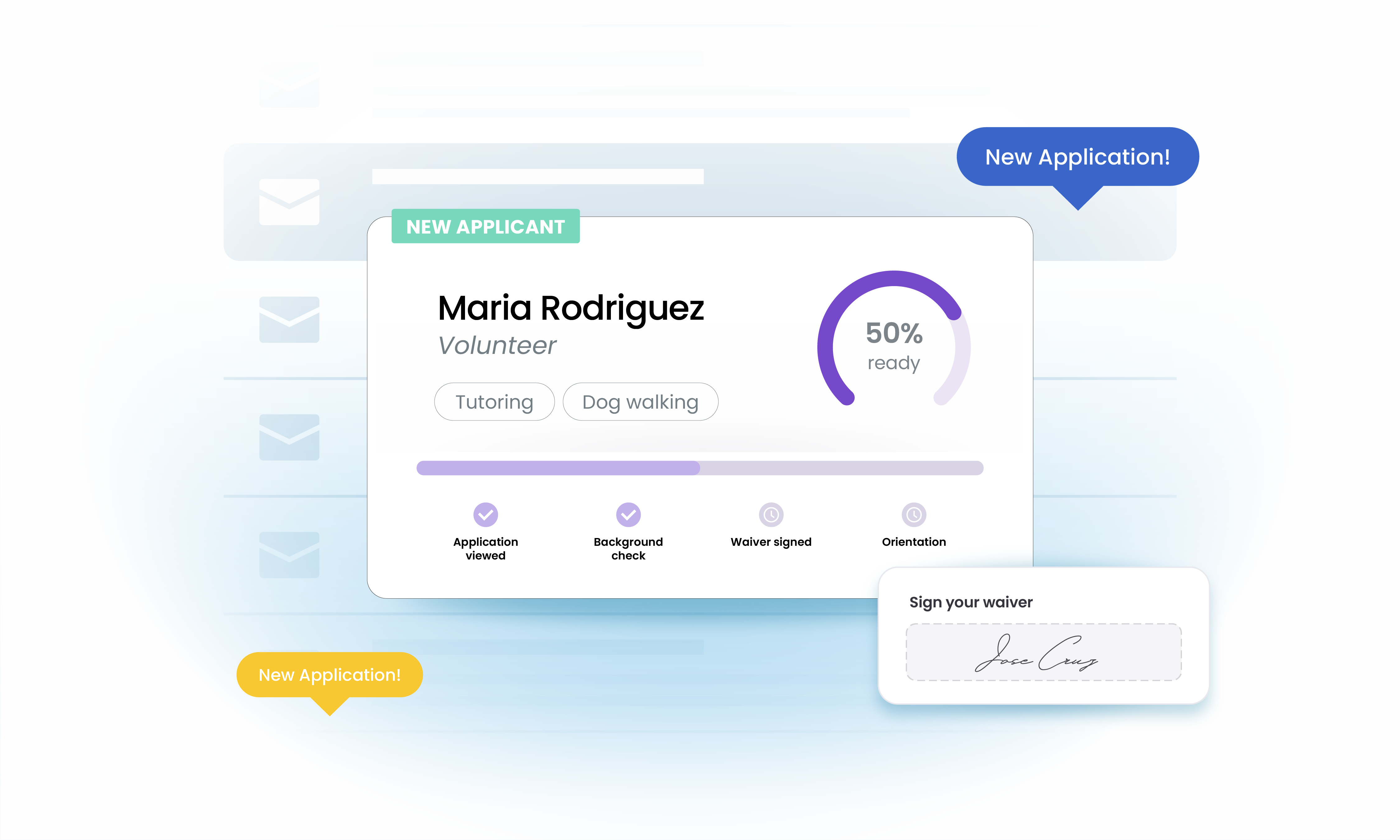
Applications run on the Forms engine through Pending, Approved and Rejected, with a review inbox, applicant emails and inline apply at sign-up. The volunteer sees a journey tracker, and workflows can trigger on application submitted and approved.