Moves Management

Fundraising Workflow Automation

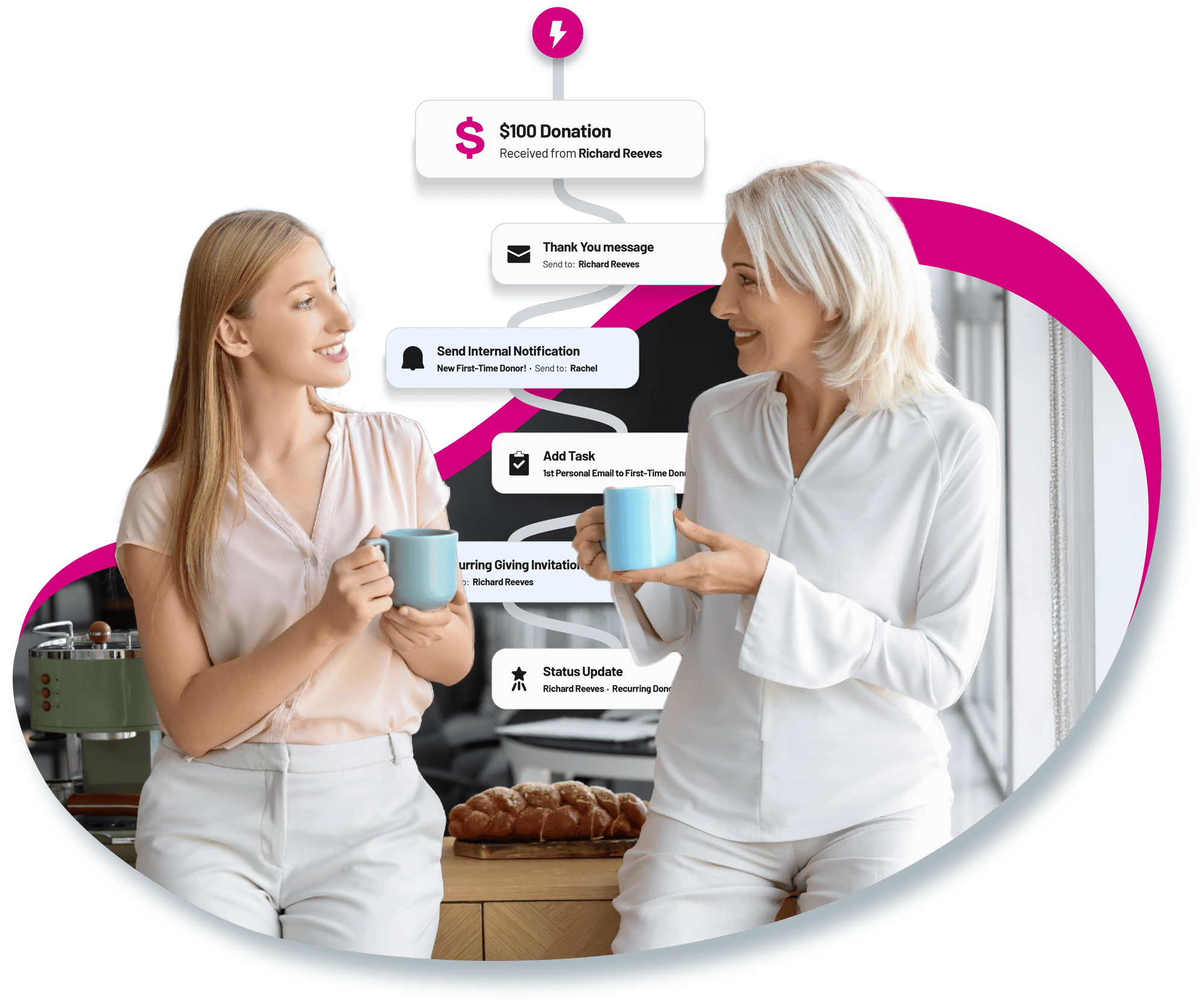
BetterUnite Fundraising Workflow Automation is stewardship that runs itself. Workflows trigger on a donation created, refunded, deleted, or hitting a charge issue, on journey stage entry, or on list membership, then send emails, texts, and staff tasks, apply tags and owners, and generate donor statements and Word-merge letters as steps. Branching, waits, retries, a nonprofit template library, and versioning that never interrupts a donor mid-flow.

Thank-yous sent in minutes,
not Mondays.

01

Fundraising-Native Triggers

Not generic marketing automation: triggers fire on donation events, journey stages, contact changes, and list membership, and dynamic lists enroll and un-enroll contacts as their data changes.

  • Trigger on a donation created, refunded, deleted, or hitting a charge issue
  • Trigger on journey stage entry, contact created or updated, and list membership changes
  • Let dynamic lists manage enrollment, so contacts flow in and out on their own

02

Actions Beyond Email

Email, SMS, staff tasks, tags, owners, lists, and journey moves, plus Generate Statement and Generate Word-merge Letter as workflow steps. No generic tool prints donor letters.

  • Send email and SMS, and assign staff tasks with assignees and due-date offsets
  • Apply tags, assign owners, add to or remove from lists, and move contacts to a journey stage
  • Generate a donor statement or a Word-merge letter as a step, saved to the contact record

03

Branching, Waits & Failure Handling

Apply Filter conditions with All or Any logic, configurable behavior when conditions are not met, retries up to 30 days, and per-step failure handling.

  • Branch on contact and giving fields with All or Any conditions
  • Decide what happens when a condition is not met: end, continue, or branch
  • Retry for up to 30 days, and handle a failed step by continuing, ending, branching, or re-enrolling

04

Built for Nonprofit Lifecycles

A system template library for the moments that matter, plus clone, export, import, and your own saved templates.

  • Start from Acquisition & First Gift, Conversion to Recurring Giving, Mid-Level & Major Donor Moves, Lapsed & Reactivation, or Special Campaign and Event-Based
  • Clone any workflow, or export and import it
  • Save your own workflows as organization templates

05

Analytics & Version Control

Draft and publish versioning where in-flight contacts finish their version uninterrupted, with KPIs per workflow and a step-by-step history per contact.

  • Publish a new version while enrolled contacts finish the one they started
  • Read active enrollments, total enrolled, and stage distribution per workflow
  • Trace each contact's execution history, with completed runs linked back to the triggering donation

Frequently Asked
Questions

Can BetterUnite automatically send a thank-you email after a donation?

Yes. Workflows trigger the moment a donation is created (or refunded, deleted, or hits a charge issue) and can send a personalized email or SMS immediately, then continue with waits, branches, and follow-up steps, with no staff action required.

What can a workflow do besides send email?

Steps include SMS, staff tasks with assignees and due dates, tags, owner assignment, list management, moving contacts through journey stages, chaining into other workflows, and generating donor statements or Word-merge letters saved to the contact record.

Can workflows branch based on donor data?

Yes. Apply Filter steps match All/Any conditions on contact and giving fields, with configurable behavior when conditions aren't met (end, continue, or branch) and retry windows up to 30 days for slow-moving donors.

Does BetterUnite include pre-built automation templates?

Yes. A nonprofit-specific library covers first-gift acquisition, conversion to recurring giving, mid-level and major donor moves, lapsed reactivation, and event-based campaigns. You can also clone, export, import, and save your own workflows as templates.

What happens to donors already in a workflow when I edit it?

Version protection: contacts enrolled in a previous published version finish that version uninterrupted, while new enrollees get the updated flow. Every contact's Automations tab shows the exact step-by-step run they received.

Can a workflow start from a wealth screening score?

Yes. With the DonorSearch integration, workflows can trigger on wealth-profile updates with score or capacity thresholds (for example, composite score crosses 60, so tag as major-gift prospect and assign an owner).

Get started

Automate your first-gift thank-you this week.

Get a demo and leave with a working workflow template: your triggers, your questions. No pressure, no endless sales cycle.

See pricing first

Request a demo