Fundraising

Embeds & Share Tools

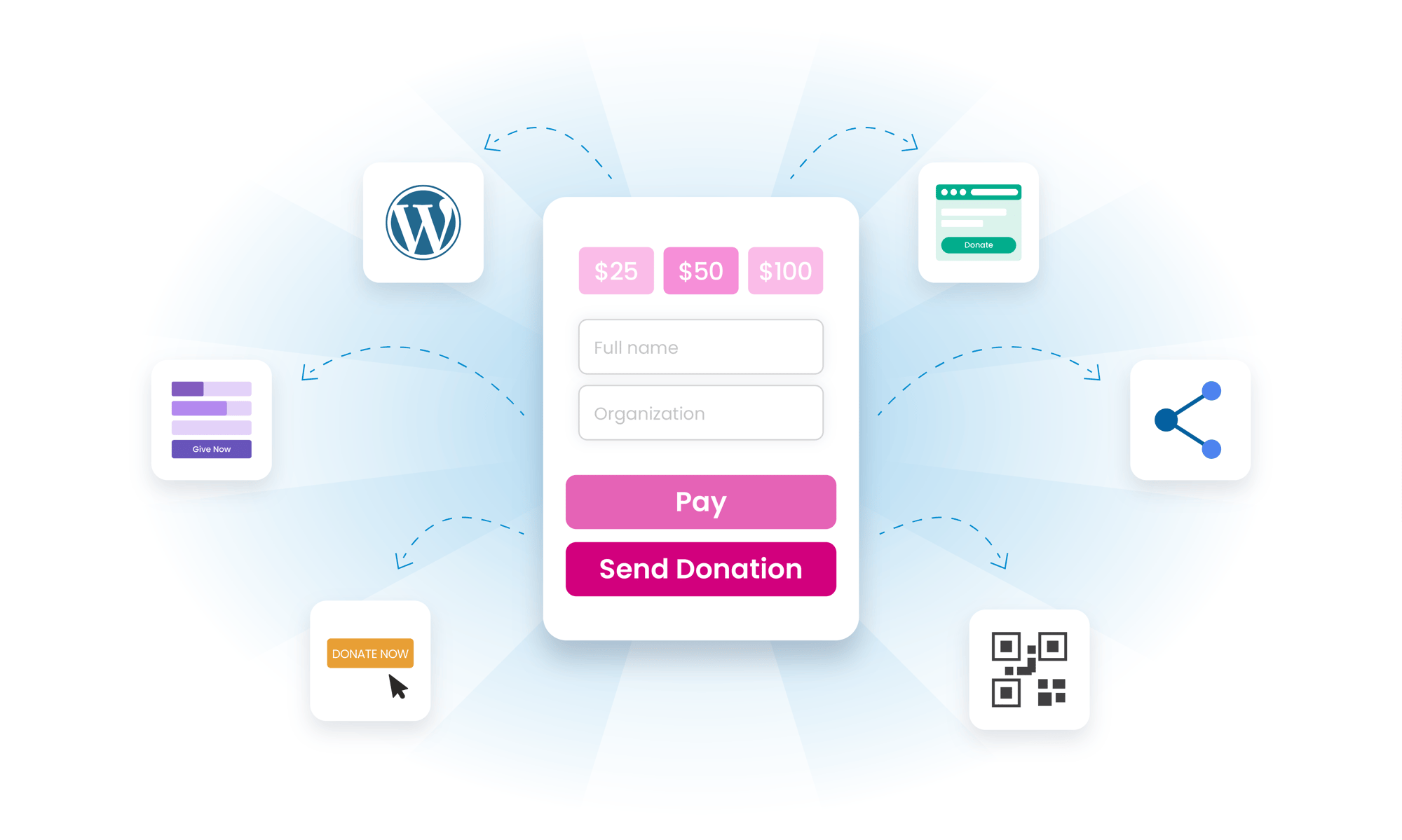
BetterUnite puts your fundraising everywhere your supporters are. Add a Donate Now button, an inline form, or a full campaign embed to your own site with copy-paste code, or use standalone hosted pages. The Share & Embed center generates links, embed codes, and branded QR codes for checkout, auction, raffle, and fund-a-need, with auto-tags that report which channel raised what.

One campaign, every channel:
website, email, social, print.

01

Every Embed Format

A Donate Now button, an inline form, or the full campaign, dropped into your own site with copy-paste code. No website yet? Use a standalone hosted page.

  • Embed a Donate Now button, an inline form, or the full campaign on your own site
  • Paste the code snippet, with no developer needed
  • Host a standalone page on BetterUnite when the organization has no website

02

The Share & Embed Center

One hub generates the share link, embed code, and QR code for the campaign page, checkout, auction, raffle, and fund-a-need. Every campaign function gets its own link.

  • Generate share links, embed codes, and QR codes from one screen
  • Cover the campaign page, checkout, auction, raffle, and fund-a-need, each with its own link
  • Send supporters straight to the function you want, not the home page

03

QR Codes with Your Brand On Them

Branded QR codes for posters, mailers, programs, and table cards. Per-item auction QR codes and shareable item permalinks live on the Auctions page.

  • Brand the QR code, optionally, so it matches the piece it sits on
  • Print it on posters, mailers, event programs, and table cards
  • Point each code at the exact function, from the campaign page to fund-a-need

04

Know Which Channel Raised It

Auto-tags on shared links track the source, social share links post in one tap, and peer-to-peer participant kits arm fundraisers with ready-made content.

  • Tag shared links automatically, so the poster, the email, and the post each report their own results
  • Share to social in one tap with ready-made share links
  • Equip peer-to-peer fundraisers with participant kits: posts, images, and suggested language

Frequently Asked
Questions

Can we add a BetterUnite donation form to our existing website?

Yes, three ways: a Donate Now button, an inline form embed, or a full campaign embed, all copy-paste code, no developer needed. Organizations without a website can use standalone hosted pages instead.

Can we create QR codes for print materials?

Yes. The Share & Embed center generates QR codes, with optional branding, for the campaign page, checkout, auction, raffle, and fund-a-need, ready for posters, mailers, and event programs.

Can we tell which channel a donation came from?

Yes. Auto-tag options on shared links tag incoming transactions by source, so the QR poster, the email link, and the Facebook post each report their own results.

Do share tools cover auctions and raffles too?

Yes. Every campaign function (checkout, auction, raffle, and fund-a-need) gets its own share link, embed code, and QR code from one center. Individual auction items also get shareable permalink pages with social unfurls.

How do peer-to-peer fundraisers share their pages?

Participant kits give fundraisers ready-made share content (social posts, images, and suggested language) alongside their personal page link, so supporters promote the campaign without writing copy from scratch.

Get started

A donate button everywhere. Start free.

A walkthrough with a real embed: your website, your channels, your questions. No pressure, no endless sales cycle.

See pricing first

Request a demo