Do form submissions create contacts in the CRM automatically?
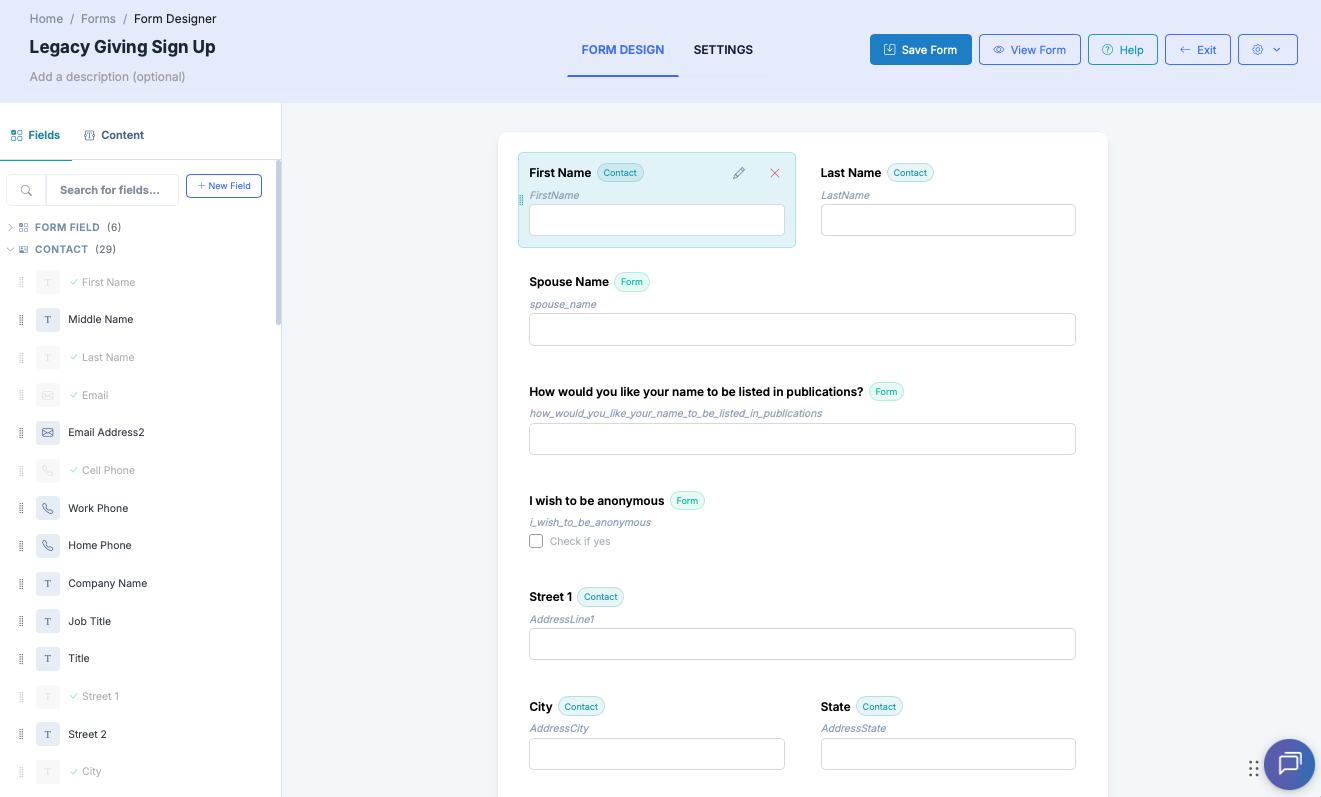
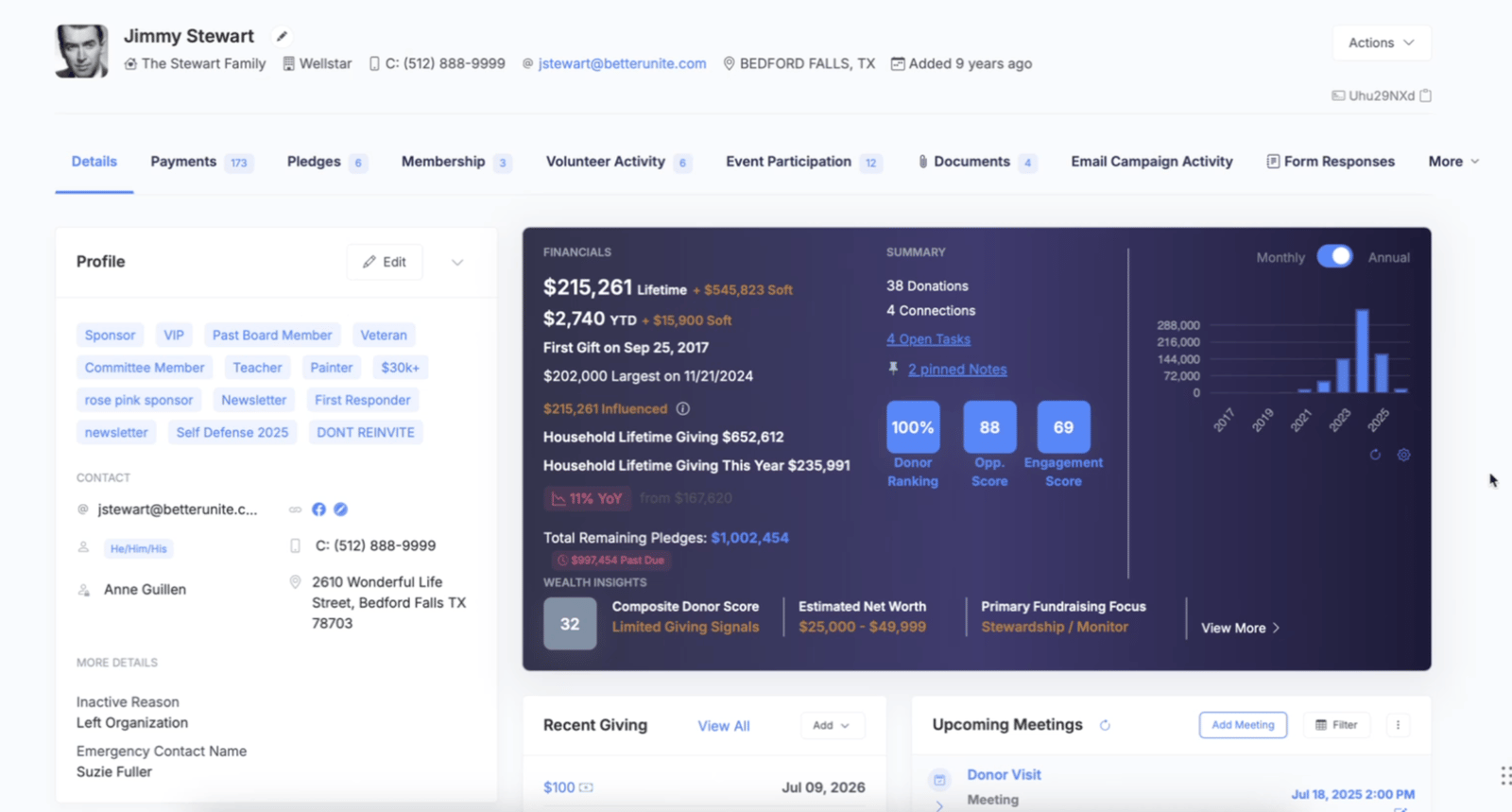
Yes. Submissions match an existing contact by email or create a new record, and mapped fields update the contact, with per-field control over whether form values are allowed to override existing data. Every answer also appears in a Form Responses tab on the matched contact record.
What field types are supported?
17 types, including email, phone, text, number, range sliders, date and date-time, dropdowns, radios, checkboxes, color picker, and file upload, plus hidden fields that collect data without displaying.
Can a form add people to a mailing list?
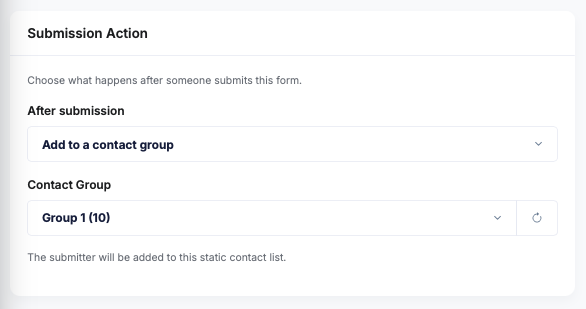
Yes. Enable auto-add to a contact group on submission, so newsletter sign-ups and opt-ins flow straight into your segments and groups, ready to email the segments your forms build.
Can I embed a form on my campaign or event page?
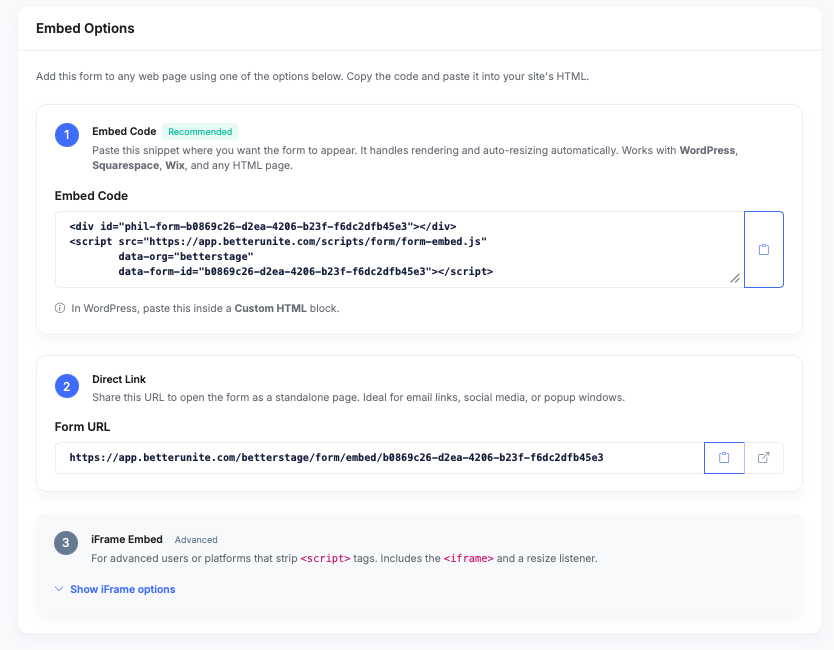
Yes. Drag the Form component into any page built with BetterUnite’s page builder and select the form; it renders live on the page.
Where do I see responses?
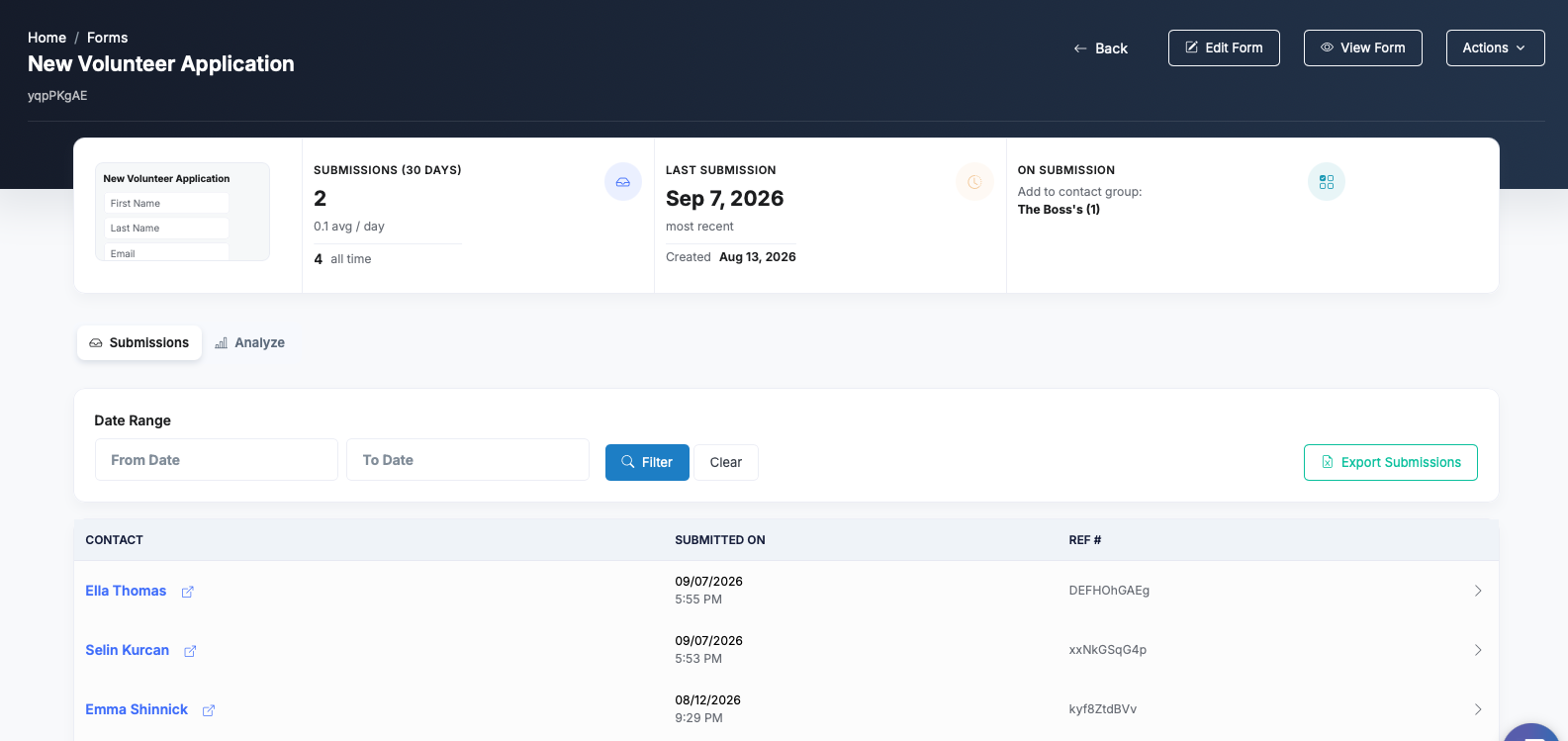
Three places: the form’s submissions dashboard and detail views, an Excel export filtered by date range, and a Form Responses tab on the matched contact’s profile.
Can a submission kick off an automation?
Yes. Forms can trigger a Workflow on submission, so an intake form tags the contact, notifies staff, and starts an email sequence. See fundraising workflow automation for what a workflow can do next.