Integrations

BetterUnite + Salesforce

BetterUnite pushes donations into Salesforce as closed-won Opportunities in the campaign you map, and syncs guests, attendees, and volunteers with duplicate checking. Contacts match by email, then exact full name, with a search-ahead preview before anything commits, and the Salesforce ID binds future gifts to the right record. Sync manually or on a schedule up to 4 times a day, with a full run history.

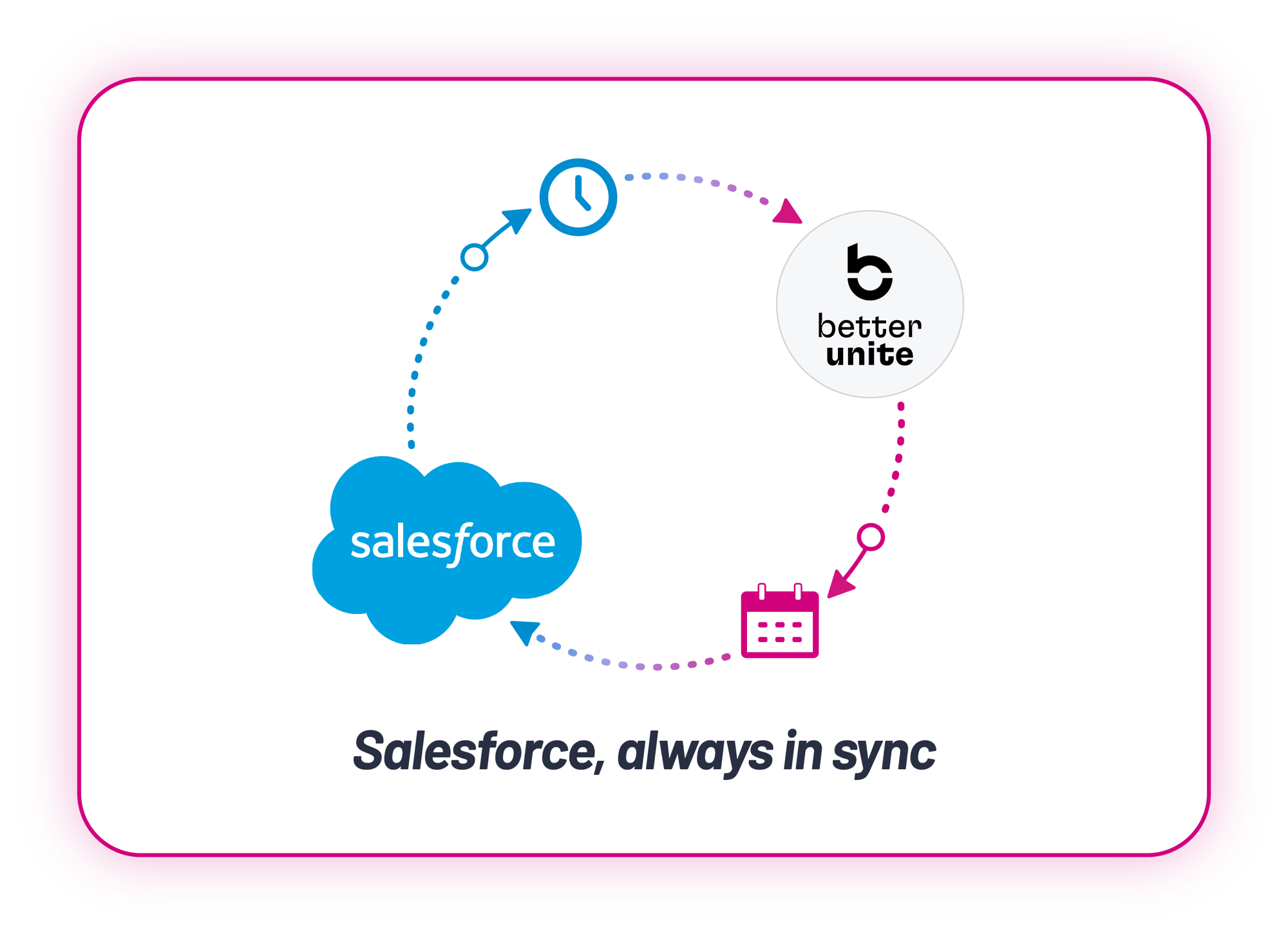
Salesforce and BetterUnite logos joined in a scheduled sync loop with a clock and a calendar, captioned Salesforce, always in sync

Auto-sync up to 4x daily
with full run history.

01

What Syncs

Donations arrive as closed-won Opportunities in the mapped Salesforce campaign, guests and volunteers sync with duplicate checking, pledges are handled, recurring donations are supported, and the sync is NPSP-compatible.

  • Map a BetterUnite campaign to a Salesforce campaign, and each donation to a closed-won Opportunity, with optional itemized line-item splits for auction, raffle, and giving levels
  • Send guest fields, custom fields included, to Campaign Member
  • Include fair market value, card type, acknowledgement status, and Posted status

02

Matching You Can Trust

Contact matching by email, then exact full name, else auto-create, with a preview before anything commits.

  • Preview matcher results with search-ahead before committing a sync
  • Bind the Salesforce ID so future gifts lock to the right contact, with a manual override
  • Protect Salesforce as the master record with the optional update-contacts control

03

Control What Transfers

Choose the amount that syncs, exclude what should not, and reset when you need a clean run. Donation re-syncs create new records, while guest and volunteer syncs are duplicate-safe.

  • Choose intended, gross, net, or payment-to-org as the amount to sync
  • Exclude with Do Not Sync toggles, bulk $0 exclusion, and date filters
  • Reset sync status when you need to run again

04

Setup Steps

From connection to scheduled sync in four steps.

  • Connect your Salesforce org
  • Map campaigns, choose the amount type, and preview matches
  • Sync manually or schedule up to 4x daily, with Sync Job Runs history showing record counts and errors

Frequently Asked
Questions

How do BetterUnite donations appear in Salesforce?

As closed-won Opportunities in the Salesforce campaign you map, optionally split into itemized line items for auction items, raffle, and giving levels, ready to report immediately.

Does it work with NPSP?

Yes. The integration is built for Salesforce nonprofit environments and maps contacts, accounts, gifts, and campaigns accordingly.

How are duplicate contacts avoided?

Matching runs by email, then exact full name, with auto-create as fallback. A search-ahead preview shows results before you commit, and the Salesforce ID binds for all future gifts.

Can the sync run automatically?

Yes. Schedule up to 4x daily, with a Sync Job Runs history showing record counts and errors for every run.

Which amount is synced, gross or net?

Your choice: intended, gross, net, or payment-to-org, so finance books exactly the figure it expects.

Get started

Event revenue into Salesforce, without hand-keying.

Get a demo and watch a sync run against your campaigns: your objects, your questions. No pressure, no endless sales cycle.

See pricing first

Request a demo